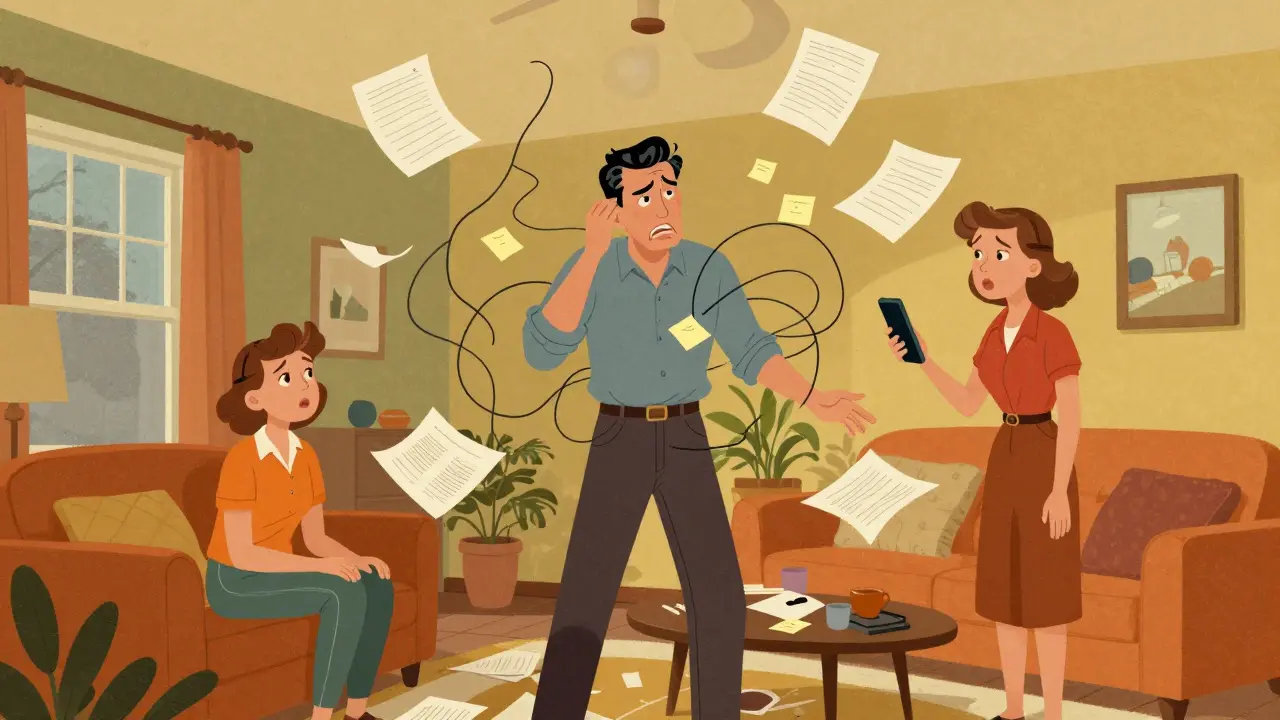
Picture this: you are stuck in traffic, your phone dies, and suddenly your spouse needs to access a specific insurance document or a login for a shared utility account. Or maybe you are heading out of town for a week, and your partner is managing the house but can't remember where you saved that PDF with the contractor's details. We all have those moments where information is scattered across email drafts, sticky notes, and mental checklists. It is not about preparing for the worst-case scenario; it is about handling the everyday chaos of modern family life without the panic.
The problem is that most of us treat our digital lives like a messy desk drawer. We know everything is there somewhere, but finding it when we need it-especially if someone else needs to find it-is a nightmare. You do not need a complex legal setup or a lawyer to solve this. What you need is a reliable system to keep your critical documents, passwords, and personal notes in one secure spot that your family can access when you give them permission. This is where a digital vault changes the game.
Why Shared Folders Are Not Enough
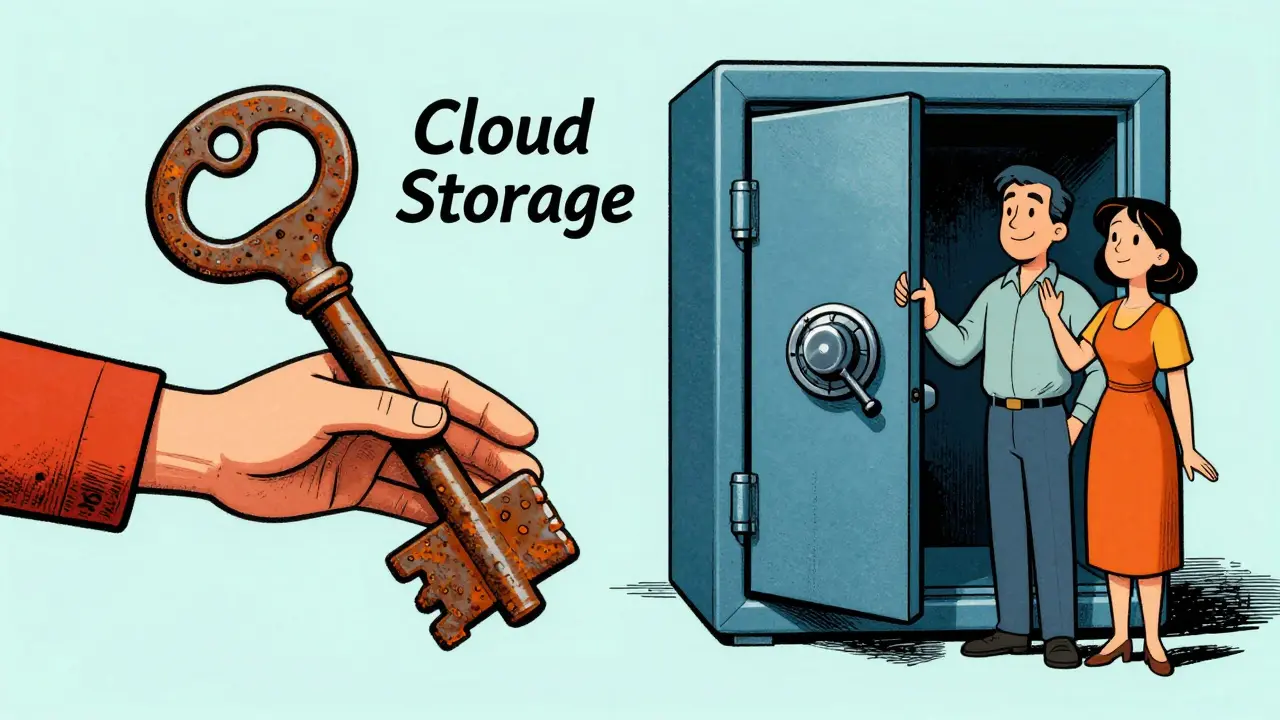
You might be thinking, "I just use Google Drive or Dropbox." That works for sharing photos or work files, but it falls short for sensitive family data. Standard cloud services store your files on their servers, meaning they hold the keys to your data. If their service goes down, gets hacked, or decides to change its terms, your access is at risk. More importantly, sharing access often means giving someone full visibility into everything, which is overkill if they only need one specific file.
Consider the difference between handing someone your house key versus giving them a code for a specific safe. With traditional cloud storage, you are handing over the master key. With a proper Vaulternal encrypted vault storage solution, you control exactly who sees what, and when. This level of granularity is crucial for family preparedness. You want your partner to be able to find your Wi-Fi password or the vet’s contact info during an emergency, but you probably do not want them scrolling through your financial records unless necessary.
How a Digital Vault Works for Families
A family vault is designed to be a centralized hub for these critical assets. Think of it as a digital safety deposit box that lives in the cloud but is secured by technology that ensures only you-and the people you explicitly authorize-can open it. The core value here is organization combined with security. You upload your important papers, store your login credentials, and jot down quick notes in one place.
The magic happens in how the data is protected. Vaulternal uses client-side AES-256 encryption. This means your files are encrypted on your device before they ever leave your hands. The company hosting the service cannot read your files because they never see the decryption keys. This zero-knowledge architecture provides peace of mind that your private family business stays private. Whether it is a copy of your passport, a lease agreement, or a list of emergency contacts, the data remains yours alone until you decide to share it.
Conditional Access Continuity: Sharing Without Worry
Here is the real challenge: how do you let someone else access your files without giving them permanent, unrestricted entry? This is where the concept of conditional access continuity comes in. Instead of sending a password via text message (which sits in your inbox forever) or emailing a file (which creates a copy that is hard to track), you set up rules.
You can define triggers for when a recipient gains access. For example, imagine you are going on a remote work retreat with no internet access for two weeks. You can set up a trigger so that your partner receives access to specific project files or household manuals if you have not logged in after a certain period of inactivity. Or, perhaps you are traveling abroad and want to ensure your roommate has access to your apartment alarm code and spare key location instructions if something goes wrong. These are practical, day-to-day scenarios where having a pre-set plan saves hours of stress.
This system also supports multi-recipient sharing. You can grant different levels of access to different people. Your spouse might get access to financial documents, while your trusted friend gets access to pet care instructions and veterinary records. Each recipient receives an encrypted access key tailored to their permissions. They do not need technical expertise to use it; they just click a link and view what you intended for them to see.
The Role of Decentralized Storage
Another layer of security that sets modern solutions apart is where the data actually lives. Traditional services rely on central servers. If that server crashes or is targeted by cybercriminals, your data is vulnerable. Vaulternal takes a different approach by using decentralized storage. Your files are chunked, integrity-hashed, and distributed across Arweave for permanent storage, IPFS for peer-to-peer distribution, and anchored on Polygon for metadata verification.
What does this mean for you? It means your data is not sitting on a single corporate server that could go offline. It is spread out across a network, making it incredibly resilient. Even if the company itself were to cease operations, your data would remain accessible because it is stored on public, decentralized networks. This is a significant advantage for long-term family preparedness. You are not renting space on someone else’s server; you are anchoring your data in a way that ensures its longevity and availability.
Organizing Your Family’s Critical Information
So, what should you put in your digital vault? Start with the essentials that cause the most friction when missing. Here is a checklist to get you started:
- Login Credentials: Use the Password Storage features to securely save usernames and passwords for banking, utilities, and streaming services. Ensure your partner knows how to retrieve these if needed.
- Important Documents: Scan and upload copies of passports, driver’s licenses, birth certificates, and insurance policies. Keep these organized in folders labeled clearly for easy retrieval.
- Medical Information: Store vaccination records, allergy lists, and doctor contacts. In an urgent situation, having this information instantly available can be invaluable.
- Household Manuals: Save user guides for appliances, warranty information, and maintenance schedules. Knowing how to reset the router or fix the dishwasher is easier when the manual is digitally accessible.
- Emergency Contacts: Create a dedicated note with numbers for local police, fire department, poison control, and trusted neighbors.
By organizing these items proactively, you remove the guesswork from stressful situations. You are not hoping someone remembers where you hid the file; you are ensuring it is exactly where it needs to be.

Getting Started with Vaulternal
Setting up a system like this does not have to be expensive or complicated. Vaulternal offers a Free plan that includes 2 GB of storage at no cost, requiring no credit card. This is enough space for most families to start digitizing their critical documents and passwords. If you need more room for high-resolution scans or video instructions, the Starter plan ($8.33/month billed annually) and Pro plan ($15/month billed annually) offer unlimited storage.
The process is straightforward. You create an account, generate your encryption keys, and start uploading. As you add files, you assign access rights. You can invite family members via email, and they will receive notifications when new content is shared with them or when a trigger condition is met. The interface is designed to be intuitive, so even non-tech-savvy family members can navigate it with ease.
Practical Scenarios for Daily Life
Let’s look at how this plays out in real life. Suppose you are planning a vacation. Before you leave, you update your vault with hotel confirmations, flight itineraries, and rental car agreements. You set a time-based trigger so that if you do not check in within 48 hours of your departure date, your travel companion receives access to these files. This ensures they have all the details they need to manage the trip if you get delayed or disconnected.
Another common scenario is home ownership. You might store the combination to your safe, the model numbers of your HVAC systems, and the contact info for your plumber. By granting your partner access to this folder, you empower them to handle maintenance issues independently. It reduces dependency on you being physically present for every minor issue, fostering a sense of shared responsibility and capability within the household.
Even simple tasks benefit from this organization. Imagine you want to send a letter to your future self-a reminder of your goals or a note to your children on a special date. While this is a personal touch, it demonstrates the versatility of the platform. You can schedule messages or documents to be released on specific dates, adding a layer of intentionality to your digital interactions.
Maintaining Your Digital Vault
Like any tool, a digital vault requires occasional maintenance. Set a reminder to review your contents every few months. Update expired passwords, replace old documents with current versions, and adjust access permissions as your family dynamics change. Maybe a child moves out and no longer needs access to household utilities, or a new partner joins the picture and needs to be added to the circle of trust.
Regular updates ensure that your vault remains a reliable source of truth. Outdated information is worse than no information at all. By treating your digital vault as a living document, you maintain its effectiveness and relevance. It becomes less of a static archive and more of an active tool for family management.
Is Vaulternal secure for storing sensitive family documents?
Yes, Vaulternal uses client-side AES-256 encryption, meaning your files are encrypted on your device before upload. The company cannot access your data due to its zero-knowledge architecture. Additionally, files are stored on decentralized networks like Arweave and IPFS, enhancing resilience against server failures or breaches.
Can I share specific files with different family members?
Absolutely. Vaulternal supports multi-recipient sharing with per-recipient encrypted access keys. You can grant different levels of access to different people, ensuring each person only sees what you intend for them to see. Recipients do not need technical knowledge to access their shared files.
What happens if I am unavailable for an extended period?
You can set up conditional access continuity triggers based on time, inactivity, or manual activation. For example, if you do not log in after a certain period, a designated contact can automatically gain access to specific files. This is useful for trips, remote work, or temporary unavailability.
Do I need a subscription to use Vaulternal?
No, Vaulternal offers a Free plan with 2 GB of storage at no cost, requiring no credit card. Paid plans (Starter and Pro) provide unlimited storage for $8.33/month and $15/month respectively, billed annually.
How does decentralized storage differ from regular cloud storage?
Regular cloud storage keeps your files on a company’s central servers. Decentralized storage, used by Vaulternal, distributes your files across networks like Arweave and IPFS. This makes your data more resilient to server outages, hacks, or company shutdowns, as it is not reliant on a single point of failure.